back to portfolio
09/2026
back to portfolio
09/2026
back to portfolio
09/2026
back to portfolio
09/2026
Clinical Study Management And Reporting
CSMAR started with a very small brief: replace an existing paper form with a digital version. The expected design effort was only a few days. Once discovery started, it became clear that the form was only one small part of a much larger problem.
Field workers were using outdated software on old laptops while also relying on handwritten notes during their work. The software was slow and depended on an internet connection, which made it difficult to use reliably in the field. Managers had a different problem. They lacked a clear overview of ongoing clinical studies and the work happening across their teams.
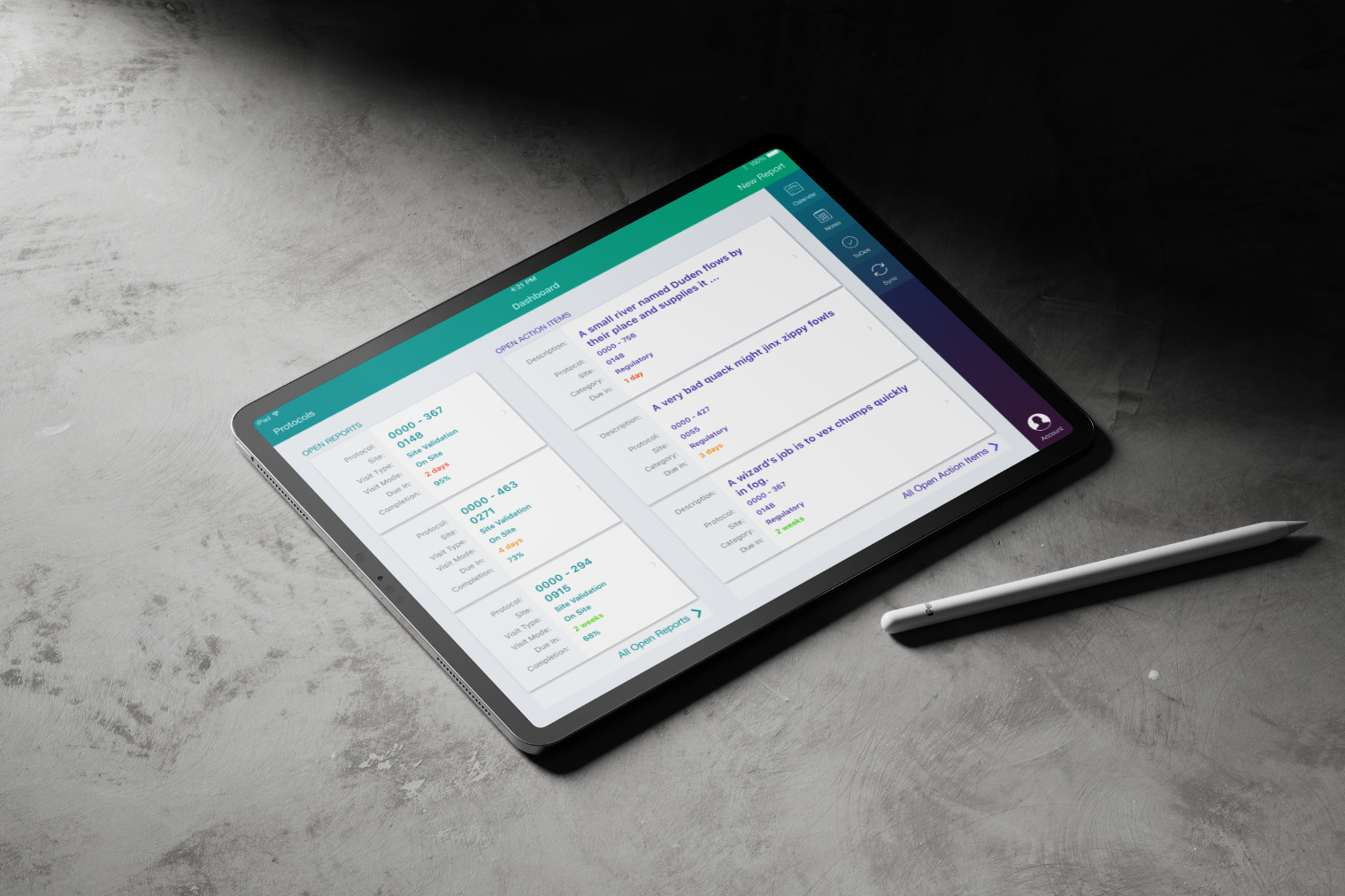
What began as a form digitization task grew into a larger product initiative covering a native iPad application for field workers and web applications supporting both field workers and their managers.
The existing workflow made field work unnecessarily difficult. The software was outdated, slow, and dependent on an internet connection. Field workers often had to write information down by hand and digitize it later, while carrying an old laptop, charger, and mouse between locations.
Managers faced a different problem. They did not have one reliable place to understand the status of ongoing studies, plan upcoming work, and follow reported issues.
The project therefore needed to solve more than form entry. Field workers needed a lightweight and reliable way to complete their work on time, even without a connection. Managers needed a clearer view of the work happening across their teams.
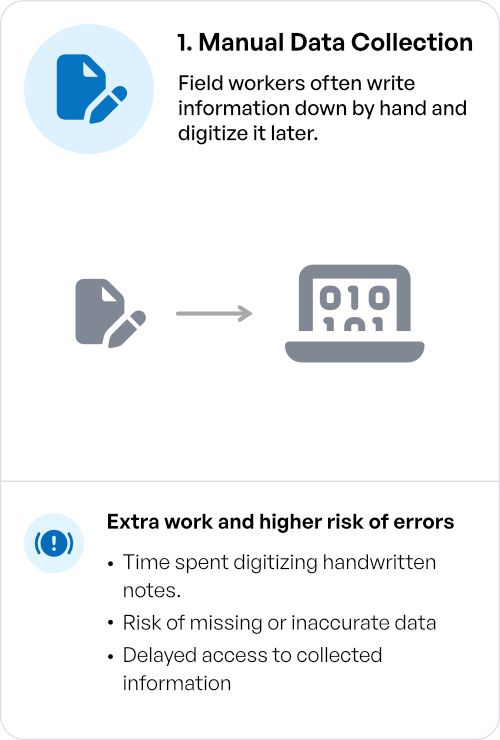
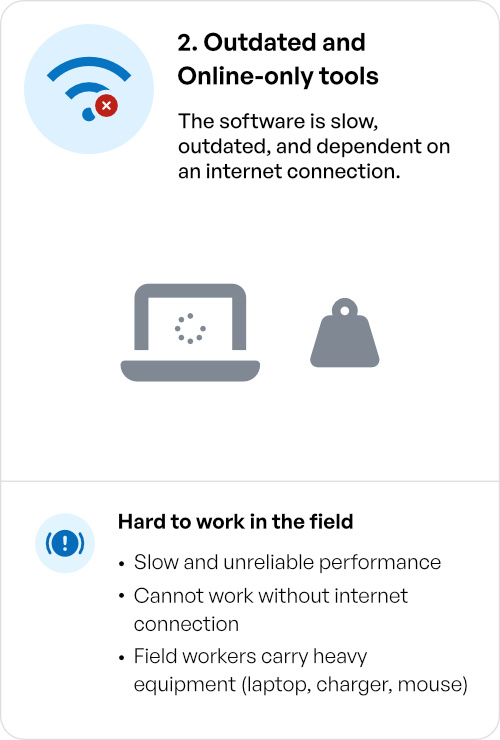
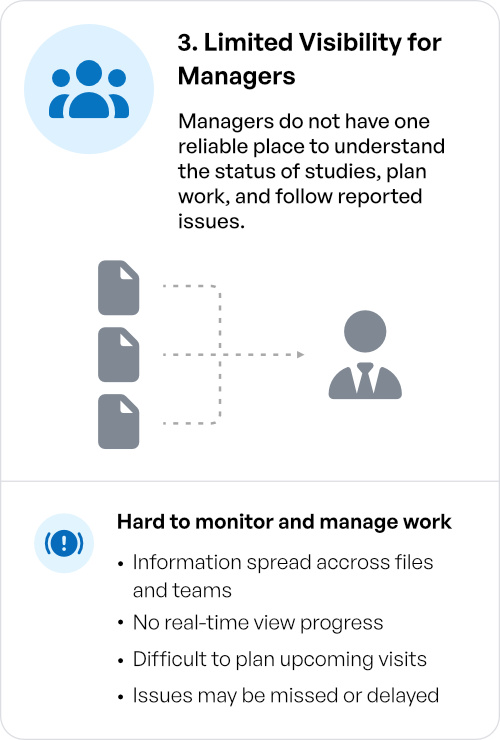

The core problem
A paper-heavy workflow, outdated hardware, and old connectivity-dependent software made field work slower than it needed to be.
Discovery began with a kickoff workshop in Prague. It brought together field workers, managers, subject matter experts, and stakeholders so we could understand the existing workflow from several perspectives.
The workshop identified a set of problems and open questions that we then used to build a broader survey. The survey was distributed to several hundred field workers and managers, with management actively encouraging participation. More than 40% responded.
The results showed meaningful differences between countries, particularly because teams worked with different types and volumes of clinical studies. We analyzed the responses by country, which also helped identify suitable markets for the first rollout.
Based on the survey results, we selected countries for deeper qualitative research. We conducted ten interviews with users from different countries and cultural backgrounds, with individual sessions lasting between 30 and 60 minutes.
The interviews helped us move beyond reported problems and understand how different teams actually approached the work, where their workflows differed, and which problems were important enough to address in the first release.
We also observed users directly in Prague. Two sessions took place in a hospital during the start of a new clinical study, with another observation conducted in an office.
Seeing the work in context was important because several problems were not limited to the interface itself. The research eventually exposed issues in the underlying workflow as well as in the software.
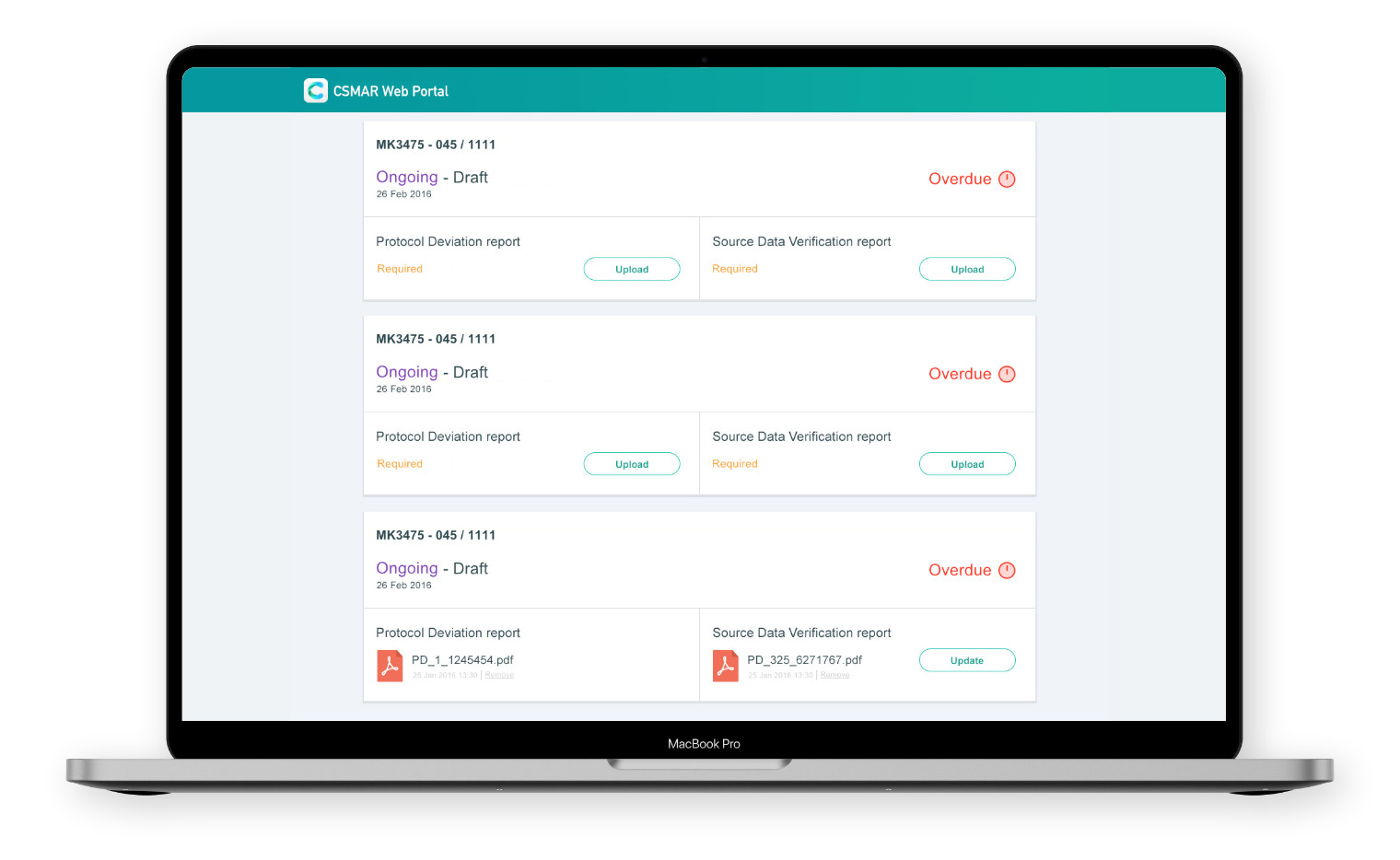
The research changed the scope of the project. What started as a request to digitize a paper form became a broader product initiative, so we needed to define what should be built first and what could wait.
Based on the findings, we created a one-year product roadmap together with the technical team, balancing user needs with the technical and delivery constraints of the project.
The MVP focused on the core clinical-study recording module in the iPad application, with an initial rollout planned for ten countries. This gave the team a clear first release while leaving space for the wider product to grow afterward.
The design phase started more than a month before development. Using the research findings, I worked with the other UX designer and Product Owner to define the information architecture and main user flows.
For individual screens and interactions, we explored solutions independently and then compared the results. We selected the stronger direction, refined it, and incorporated it into the evolving prototype.
The work was reviewed regularly with subject matter experts. Whenever possible, we also validated high-fidelity prototypes directly with end users through individual or group usability studies.
Development followed two-week Scrum sprints, including planning, refinement, daily stand-ups, reviews, and retrospectives. Releases were planned quarterly, with the first MVP released after approximately four months of development.
Design continued throughout implementation. Remaining screens and states were designed as development progressed rather than treating the initial prototype as a finished specification. Once the iPad MVP was complete, the team moved on to designing the two web experiences.
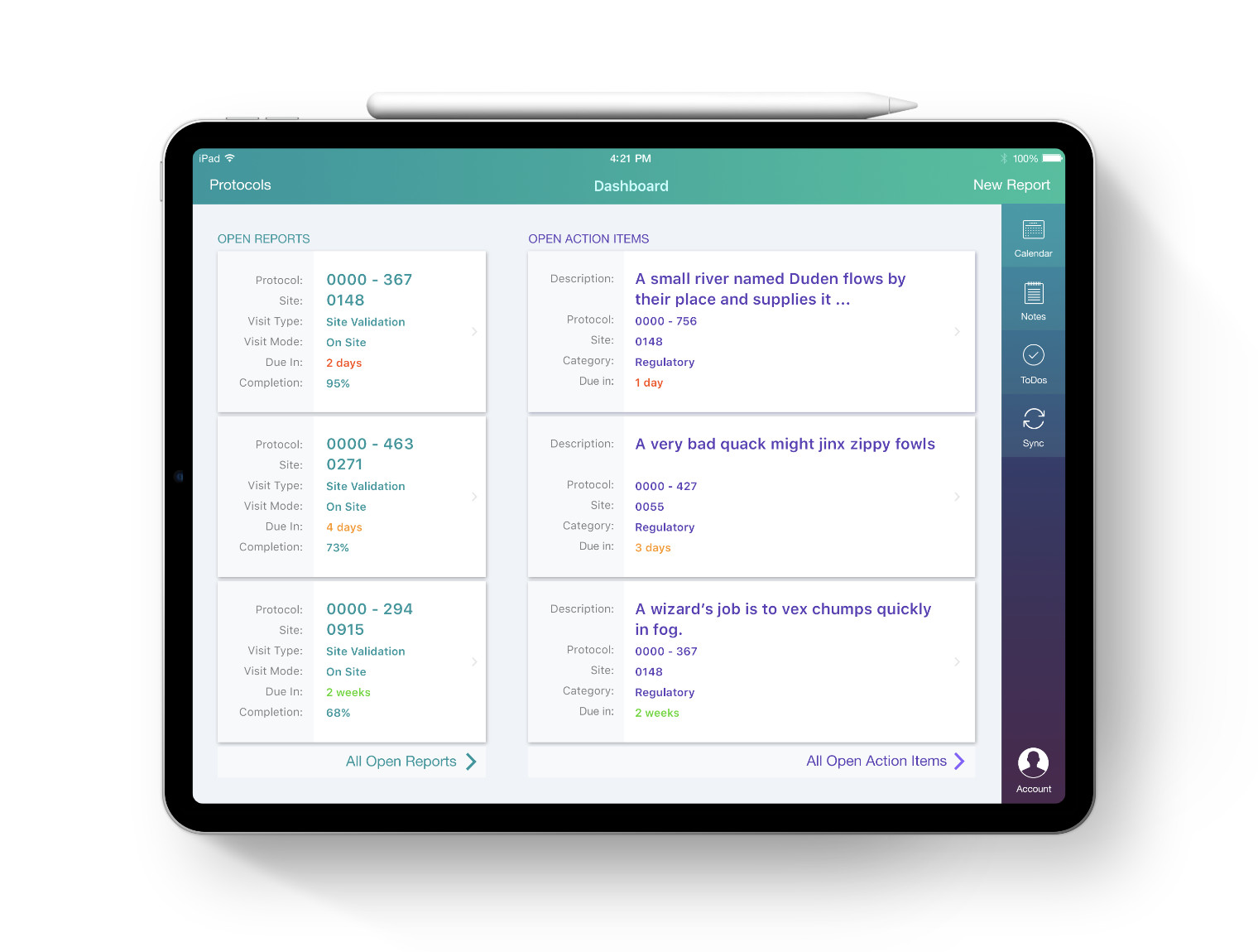
The original request assumed that the software was the thing that needed to change. Research showed that the hardware was part of the problem too. Field workers were carrying old laptops, large chargers, and a mouse while working away from their desks. The project therefore moved to new iPads rather than simply replacing the software running on the existing laptops. This turned a software redesign into a broader change to the working experience.
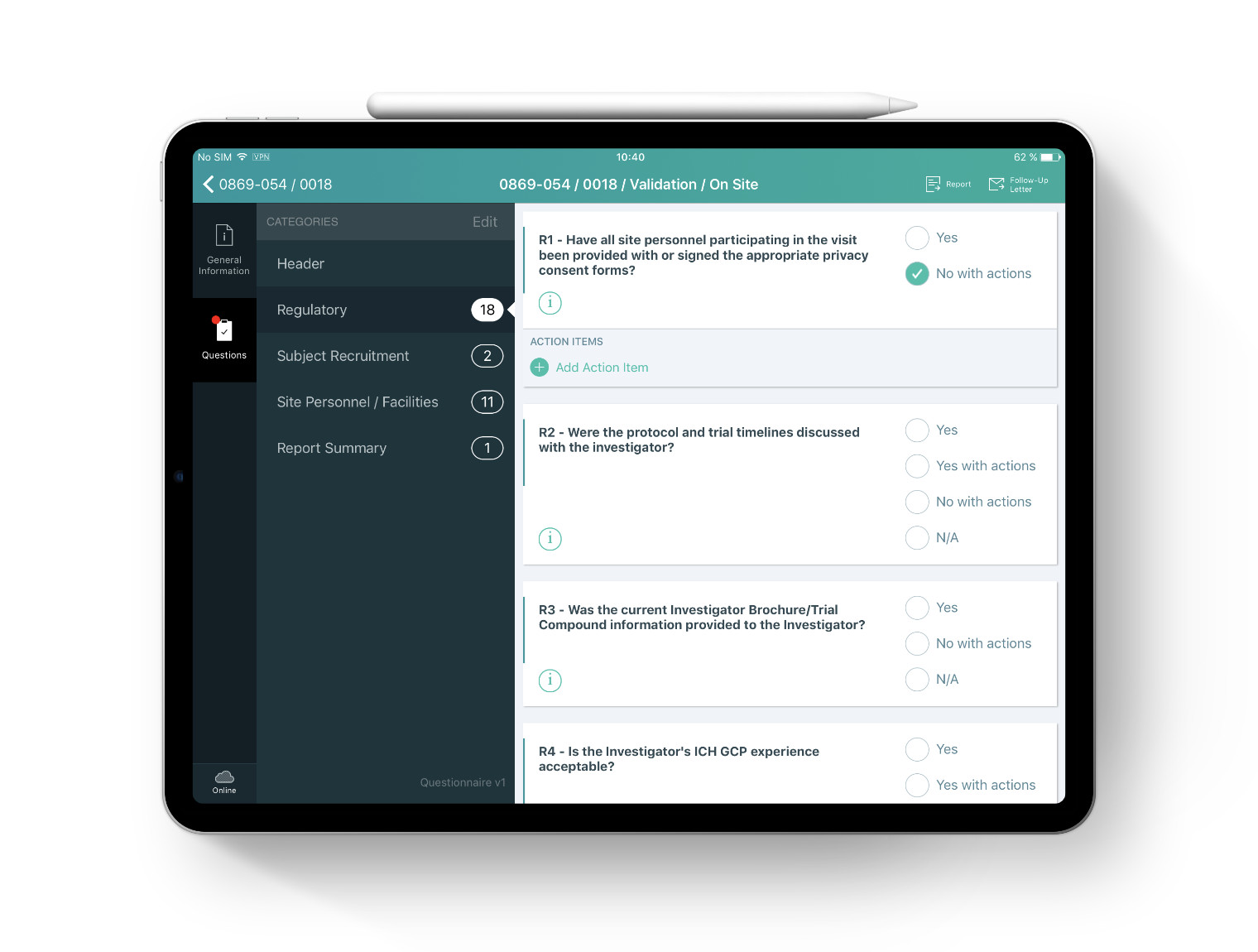
Connectivity could not be treated as a technical edge case. Field workers needed to be able to continue working without a connection and, just as importantly, understand whether the application was currently online or offline. We therefore treated offline behavior as part of the interaction design. Connection state needed to be visible and understandable rather than hidden behind the technical implementation.
The old laptop experience exposed users to too much information and too many actions at once. For the iPad application, we moved toward one primary task per screen. The goal was not minimalism for its own sake. It was to reduce the cognitive load of a workflow that users already had to perform in demanding real-world conditions.
Moving from outdated laptops to new devices and custom software represented a significant investment and operational change. Rather than asking stakeholders to commit to a full rollout immediately, we used an iterative approach, defined a clear MVP, and planned initial adoption across only 10 countries.

Reduce risk through phased adoption
Trust grew when stakeholders could see a controlled path forward. Starting with roughly one hundred devices instead of thousands made the investment easier to validate before committing to a broader rollout.
The change went beyond replacing paper forms with digital ones. The previous process combined paper and software, while the new solution depended entirely on software. Stakeholders therefore needed confidence that the new workflow could reliably replace both parts of the existing process.
Build trust through iteration and visibility
Frequent reviews, presentations, and incremental design decisions made the transition easier to understand. Showing the solution evolve over time helped stakeholders gain confidence in a completely software-based workflow.
The product needed a consistent operational timeline across countries while still preserving local context. Local users needed to see events in local time, while global users needed one main operational time to compare activity accurately across markets. Regulators sometimes required both, because converting local timestamps into the main operational time could otherwise make legitimate daytime activity appear to have happened at unusual hours, such as 2 AM.
Time needs both consistency and context
A single global timestamp supports comparison, but it can distort how activity is understood locally. The product therefore had to preserve local time where it mattered while also providing a common operational timeline for global analysis.
The UX work revealed more than interface and usability problems. Throughout research, design, prototyping, and even development, we identified inefficiencies, inconsistencies, and missing steps in the underlying business process. These findings often emerged while translating real workflows into product behavior.
UX can improve the process behind the product
Looking at the full workflow throughout the design and development lifecycle exposed problems that were not visible in the interface alone. The UX process helped improve both the application and the way the organization worked.

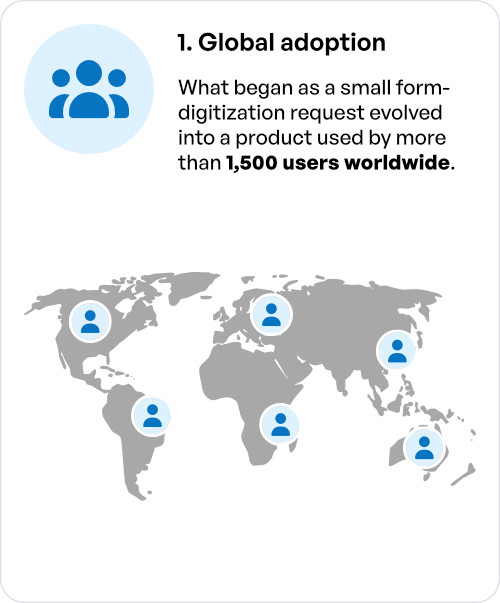
CSMAR grew from a small form-digitization request into a product used by more than 1,500 people worldwide.
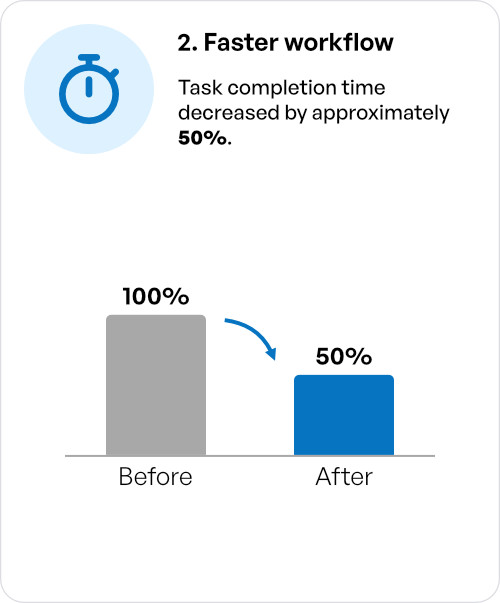
The new workflow reduced the time required to complete the work by approximately 50%. The old software had no analytics, so at the beginning of the project we asked users to manually track how long their tasks took and record the results. After the iPad application was introduced, we compared this baseline with task completion times measured in the new product. The comparison showed a reduction of roughly 50%. More importantly, field workers were able to finish their work within normal working hours instead of completing it later at home.
For me, that is the clearest measure of the project's impact. The product did not simply make the existing interface cleaner. It changed how the work could be done.